
Lantern is a fictional open source uptime monitor. Its documentation is built from the recipe Documentation of Leitvia Studio and the documentation template of the theme, in the style variation Corporate dark.
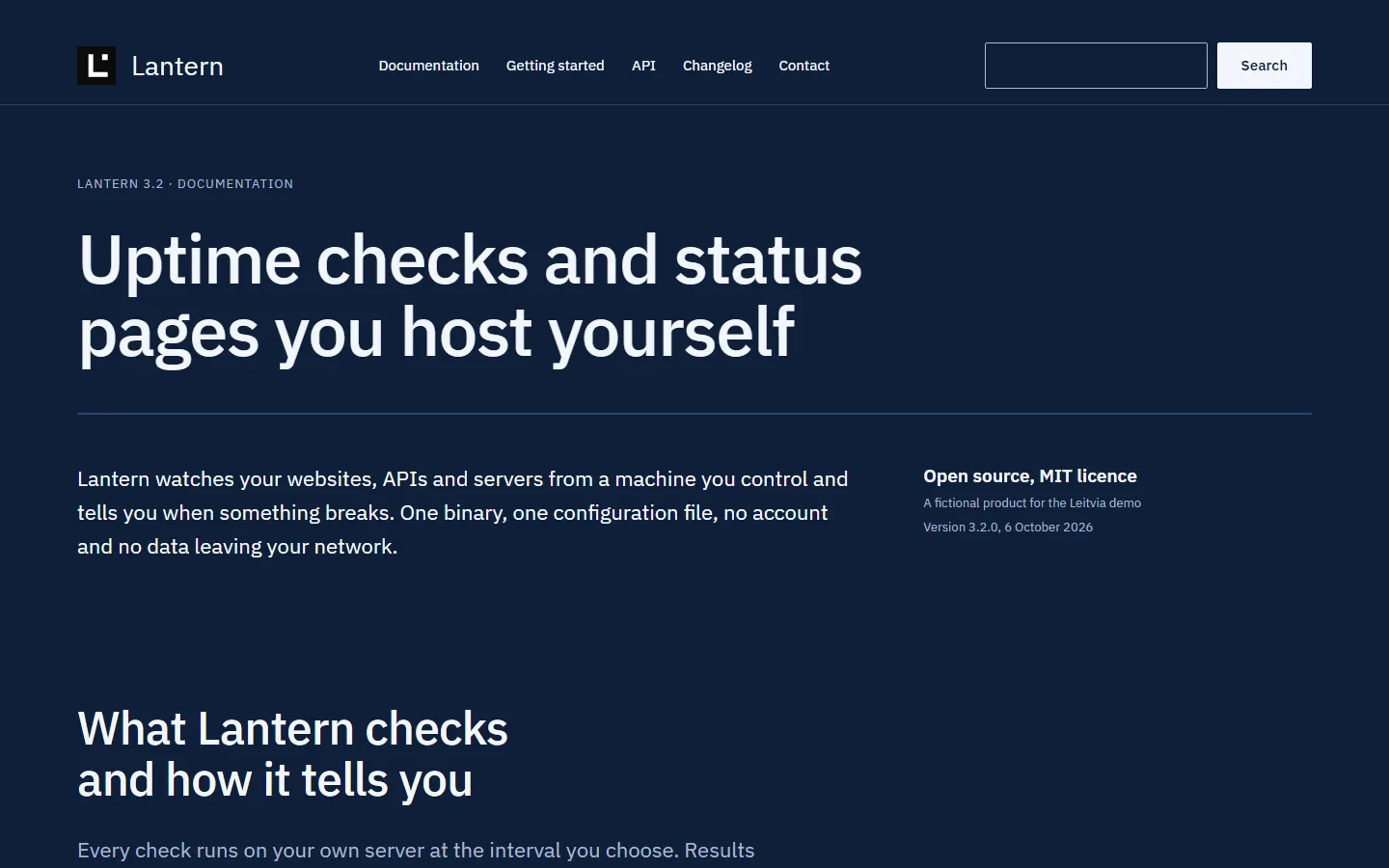
What the demo shows
- A page tree of three levels with the documentation template of the theme and its sidebar
- The block Table of contents on every page, readable without JavaScript
- Code examples with a Copy code button that Studio adds once JavaScript runs
- Tables, a changelog and a search in the header that is named as its own landmark
Patterns and blocks
Search header, editorial hero, feature grid, steps, two columns, FAQ, quote, contact call to action and the minimal footer.
Blocks: Table of contents of Studio.
Every pattern reads its colors, sizes and spacing from the roles of the design contract, so the same sections look different in each demo without a line of custom CSS.
Facts
- Brand: Lantern (fictional)
- Kind of site: Product documentation
- Built with: the recipe Documentation
- Plan: Free.
- Live demo: demo.leitvia.com/docs/
Build a site like Lantern
Set it up on your own site in three steps:
- Install the theme and Leitvia Studio.
- Apply the recipe Documentation and its change package.
- Create your pages below Documentation with the template Documentation and add the block Table of contents where a page gets long.
wp leitvia recipe apply leitvia/documentation --user=adminThe skill leitvia-setup applies the recipe; leitvia-maintain later repairs broken links and missing alt text across the page tree.
More demos
- Tidepost: Status page software
- The Lindenfeld Courier: Regional newspaper
- Showcase: every pattern and block
- All twelve demos