
From 8 to 10 November 2026, an autonomous AI agent rebuilt a live WordPress travel blog with a WooCommerce shop on Leitvia, using only the Leitvia agent skills and Studio abilities. Every gap it hit became a finding: 68 in three days, closed in 12 rounds in theme, Studio, Pro and skills, so every Leitvia site gets the same fixes.
This post tells what we learned, what is new since our last post on 28 October and where Leitvia goes next. At the end you find the changelog of each package, up to the theme Leitvia 1.2.42, Leitvia Studio 1.3.40, Leitvia Pro 0.8.28 and Leitvia Skills 1.4.44.
How the AI agent rebuilt a real shop
Test scenarios find a lot, real sites find the rest. So we let an AI agent rebuild a live site: a travel blog with long reports and a shop, almost 200 posts and pages and about 180 published products, many of them with variants and up to 26 photos. The wording stayed as it was, form and structure were new. The site belongs to a customer, which is why this post shows no names, texts or pictures from it. The screenshots below come from a fresh WordPress with the current releases.
The AI agent was Claude Code, started in a project folder of its own. It saw only what a customer has: the agent skills, the handbook, the workflows and the abilities of the site over MCP, but no code of the product.
The rules were strict. The AI agent builds only with the skills and the abilities, writes no CSS of its own and no markup outside the blocks of the theme. Where Leitvia could not do something, the agent did not work around it on the site. It wrote the gap down as a finding, and we closed it in the product: as a theme default, a pattern, a Pro block, a new ability or a rule in the skills. Each fix went through the full test gate and out as a release, and the site took the release zip, never a working copy.
- 68 findings in three days, from 8 to 10 November.
- 12 rounds in the product, each with the test gate and a release: theme 1.2.32 to 1.2.42, Studio 1.3.30 to 1.3.40, Pro 0.8.19 to 0.8.28 and Skills 1.4.31 to 1.4.44.
- Every fix works the same on every site with Leitvia. Nothing of the customer went into the product: no names, texts, images or access data.
One grid from the first line to the last card
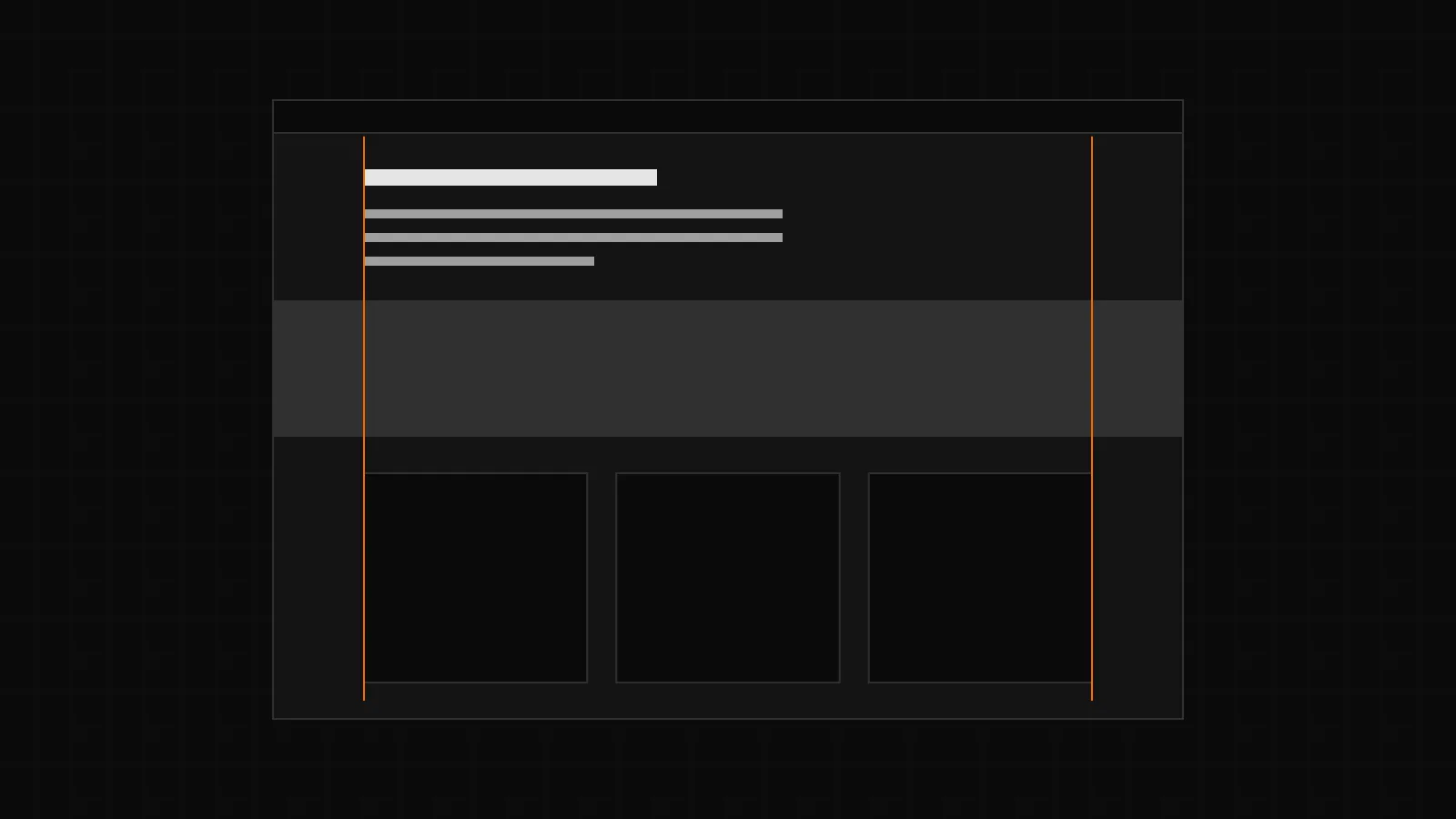
A travel blog lives on photos. Wide bands of pictures next to a narrow column of text looked unsettled, and the end of each post sat narrow and off to the left after a wide band. These changes put a page back into one grid:
- Two new token roles,
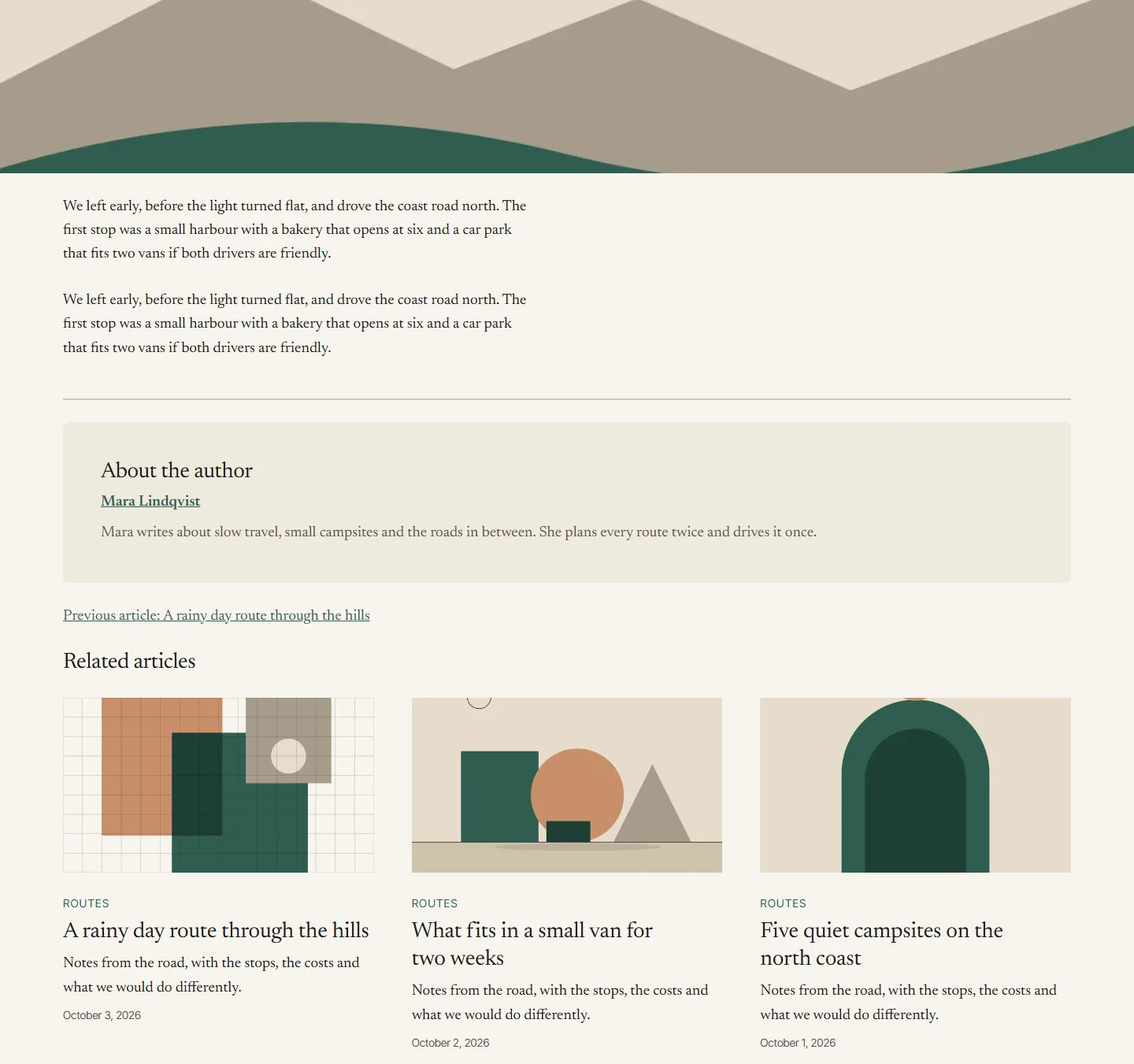
size.contentandsize.wide, set the width of the text column and of wide blocks per brand (Studio 1.3.34). A brand with many photos can run text and bands in the same width. Without them the values of the theme stay. - The end of a post, with the divider, the author box, the post navigation and related posts, now runs in the wide grid (theme 1.2.36). Related posts stand in three columns from tablet up, the author box is a calm surface with name and biography, still without an avatar from a third party.
- When the text column is wider than 48rem, images without a width in the text stay at 40rem and the image style Illustration at 20rem, so a drawing does not grow across the page (theme 1.2.37).
- Image blocks with a fixed height but no aspect ratio, which content moved over from old sites often has, take their height from the image instead of being stretched. Studio warns about such images when an AI agent writes them.
- A block with full width inside a column, details, media and text, a tab or a card can never reach the edge of the window. It used to keep the large side spacing of the page anyway: a tip in a column of a product description shrank to 360 pixels. Such blocks now keep the normal spacing, with one rule for every container, also those of other plugins (theme 1.2.41).
- AI agents often set the vertical alignment only on the columns block, where it has no effect. Studio now passes it on to every column without its own value.
Photos as a collage
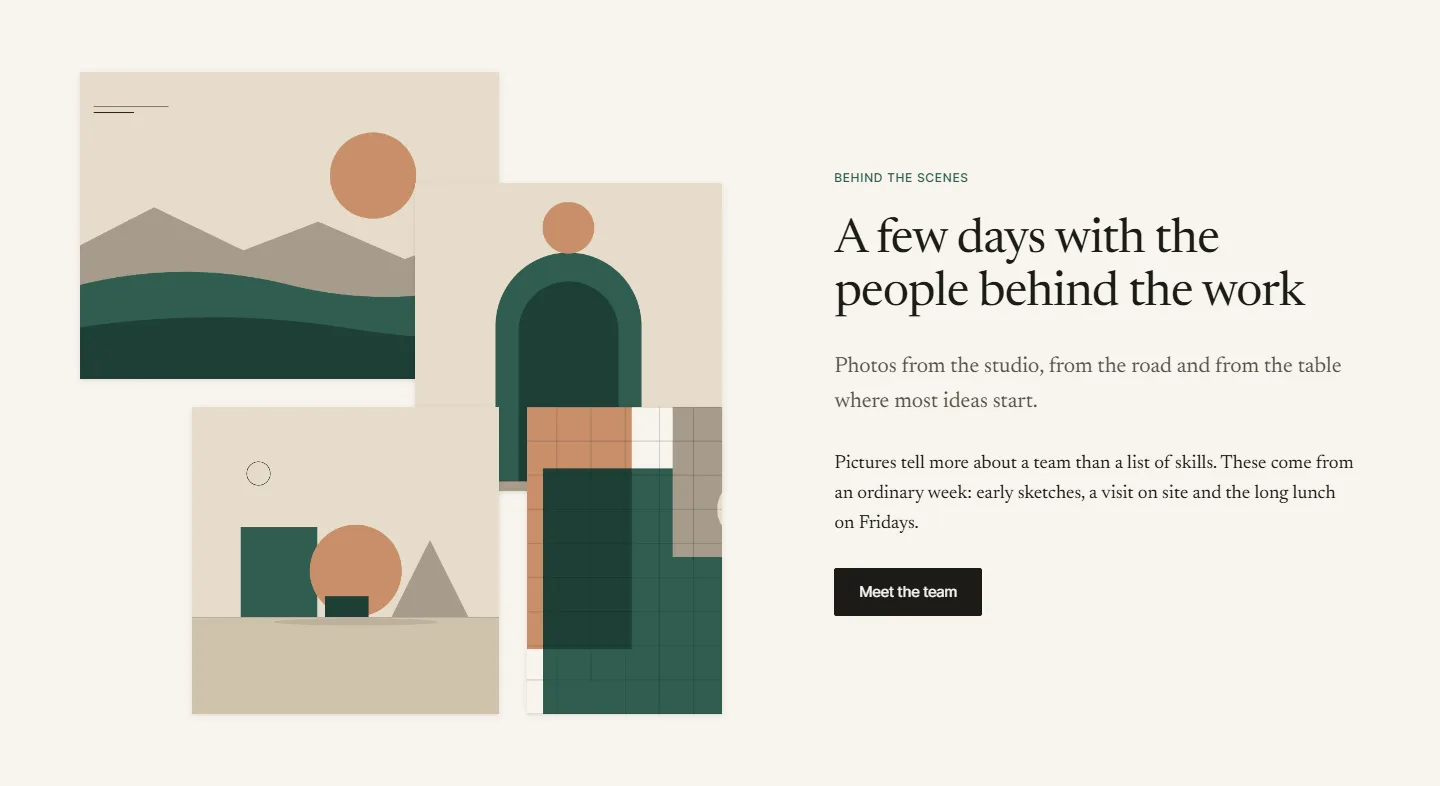
People, trips and groups often come with three to five photos and a short text. Until now Leitvia offered a gallery in a grid or the scroll gallery. The new pattern Photo collage sets the photos off against each other and lets them overlap a little, next to an eyebrow, a heading, a lead, a paragraph and a button (theme 1.2.36). The order of the photos in the page is the reading order, so screen readers and keyboards go through them as you see them. On phones the photos stand in two offset columns without overlap. With the block style Media right the photos move to the right, so sections can alternate.
Long texts and travel reports
Some reports of the blog run to several thousand words and cover weeks on the road. They needed more than headings in a row.
- The table of contents of Studio can go along with the reader: a button “Chapters” stays at the bottom edge and opens the list as a dialog. In posts split into parts it groups the headings by part and links headings of other parts with the address of that part. Anchor links in the text that point into another part get the address of the part when an AI agent writes them, and the site audit reports the ones that point nowhere.
- Posts in parts get a navigation “Part 2 of 4” below the content (theme 1.2.34).
- The new block Route of Leitvia Pro shows a trip as stages with key figures and a sketch of the route, without map tiles from a third party. Its stops link to the right part of a post. Stops at the same place are merged.
- The scroll gallery of Leitvia Pro lists the photos next to a box that stays in place while you scroll, and on phones becomes a row to swipe with dots. From seven photos it uses two columns, so the box does not stand still for ages. When an AI agent saves the gallery without its box, Pro adds the box when it renders and Studio when it writes.
- The pattern Author tip shows a quote of the author with a round photo and recurs as a synced pattern every few sections of a long guide.
- The data map of Leitvia Pro links each place to its post, frames the map around the markers, keeps places without coordinates in the list and folds lists of more than twelve places into a details element. The popup of the map is at least 18rem wide, takes the focus and gives it back to the marker with Escape.
- The newsletter block of Leitvia Pro signs people up with Klaviyo, Mailchimp or Brevo from the server, with a required consent and without a script of the service on the page.
WooCommerce product pages that hold up
The shop brought the most findings. Product pages are where a small layout fault costs money, so we fixed them at the root:
- Variant swatches of Leitvia Pro now control the one add to cart form of the page instead of rendering a second one. Where swatches stand for an attribute, its select is hidden for sighted users and stays in the page for the form and for visitors without JavaScript.
- Upsells show as a grid like related products, in the order of the upsell list, at most eight. The box next to the gallery uses the short description with its formatting, so lists stay lists.
- A select with long variant values stays inside the form at 390 pixels, product grids of WooCommerce show two columns on phones, and the sticky buy bar of Leitvia Pro breaks by its content: the product name moves to its own line before it would shrink to nothing.
- WooCommerce 11.1 to 11.2.2 loads the module of the mini cart on the cart and the checkout, where it requests a wrong address again and again. The theme takes the module off those two pages, only in versions before 11.3.
- Product descriptions go through the same block handling and safety check as pages. Synced patterns in a description keep their reference, a save that would lose block attributes fails and names the block, and the description has no fixed length anymore (Studio 1.3.39). The short description keeps its limit of 5,000 characters.
- New abilities read and rename global product attributes and their values, and read product reviews. An AI agent can add a missing star rating; another rating, the verified flag or the status are moderation and need the right of a person who moderates reviews. Email, IP and user account of a reviewer never leave the site.
Migration: moving content from an old site
Most of the work in a relaunch is moving old content without losing anything on the way. The skill for migrations and Studio learned a lot here:
- When Studio refuses unsafe markup, it now names the block, the tag, the attribute and a short excerpt. Harmless leftovers of word processors are cleaned instead of refused, and only in texts the change touches.
- Shortcodes of old page builders that no plugin knows anymore render as text. Studio warns about them when an AI agent writes, the page outline lists them, and the skill requires zero of them on the new site.
- Besides the comparison of the wording, the comparison of links is a required step: every internal link and every linked image of the old page must lead to the same target on the new one. Linked images stay links, they do not become a lightbox.
- Explanations the old site only showed on hover become visible text, a sentence in brackets or a details block after the paragraph. Keyboard and touch users never reached the hover.
- Reviews move with their star ratings and are counted against the old site. The site audit reports links with an empty target, for example from a plugin setting that points to no page yet.
Long words on small screens
German compound words and long code names broke the layout on phones in tile titles, captions and buttons. To find every case, we added an identifier of 44 characters without a break to every text of all 193 pages of our test site and looked at them at 320 pixels. Before the fix, 87 pages scrolled sideways. With theme 1.2.42 long words break inside their box, also in cards, buttons, tabs, form labels and the post navigation. A word breaks only where it does not fit at all, and tables keep whole words and scroll inside their frame. The 27 pages that still overflow in the stress test only have fixed short labels like page numbers or the search button, which real content does not reach.
The CSS of the theme now has a budget of 40 KB. It ships with 33,747 bytes, so the new limit is room to grow, not a reason to.
Accessibility check of many pages in seconds
A relaunch of this size needs a check that runs after every round. The skill leitvia-a11y now brings the script check-pages.mjs. It loads each page once and checks it in the same tab at 1920, 1440, 390 and 320 pixels: axe for WCAG 2.2 AA, sideways scrolling with the element that causes it, text columns squeezed too narrow, requests to other hosts before consent, broken links and images, the h1 and leftover shortcodes. With an old site it also compares wording and links, including tabs, closed details and all parts of a post. Screenshots are only taken where it finds something, and the result is JSON.
Measured on 12 pages of leitvia.com, the check took 235 seconds before and takes 18 seconds now. Its first run found a fault on our own site: long code names in the changelog scrolled sideways on phones. That finding started the fix for long words above.
Also new since 28 October
Before the shop, a first customer project and our own work brought these changes:
- German for the theme, Studio, Pro and the account, and German pages on leitvia.com under /de/. The language menu of Leitvia Pro works with Polylang and WPML.
- Kits as building blocks: the industry kits of Leitvia Pro add single parts to an existing site, with a wizard in five steps and a dry run before anything changes. The guide to kits explains it.
- Motion: entrance effects in Studio with a setting off, subtle or expressive and a switch “Motion off” in the accessibility bar.
- Faster pages: the CSS of the blocks is inline, fonts are preloaded only in the weights a page uses, scripts of Leitvia load late.
- AI agents lose all their rights the moment Studio is deactivated or deleted, a result of the review on WordPress.org.
- New in Studio: a contact form block, an SEO title and description for sites without an SEO plugin, abilities for templates, image crops and alt texts of up to 100 images in one change. New in Pro: the Showcase block, your own brand icons and coordinates from addresses for the data map.
Where Leitvia goes next
- A travel blog demo. The building blocks of this project get their own demo on demo.leitvia.com, with its own brand, logo and pictures and without any content of the customer: route, scroll gallery, author tip, the table of contents that goes along and posts in parts.
- More real sites. Further relaunches run the same way. Each gap is closed in the product, and each fix reaches every site with the next release.
- WordPress.org. The listing of the theme and of Leitvia Studio is in preparation. Until then, both are on GitHub with every release.
- More languages. After English and German, the free packages are to be translated on translate.wordpress.org once they are listed there.
- Leitvia Agent. A hosted AI agent that looks after your site, billed by usage, is planned. The pricing page marks it as planned until it is built.
Questions about the shop relaunch with an AI agent
What did the AI agent rebuild?
A live WordPress travel blog with a WooCommerce shop: almost 200 posts and pages and about 180 published products, many of them with variants. The wording of the old site stayed, form and structure are new and built only from the blocks, patterns and tokens of Leitvia.
Which AI agent did the work?
Claude Code, with the agent skills, the handbook and the workflows of Leitvia in its project folder, connected to the site over the MCP server of Leitvia Studio. The skills also work with Codex CLI, Gemini CLI, Cursor, GitHub Copilot and other AI agents that read Agent Skills.
How autonomous was the AI agent?
It built pages, posts and products on its own, within fixed rules: only skills and abilities, no CSS of its own and no workaround on the site. It did not touch the product. Every gap became a finding, and we closed it in Leitvia with the test gate and a release.
What happened to the 68 findings?
Each one became a theme default, a pattern, a Pro block, a new ability or a rule in the skills, in 12 rounds from theme 1.2.32 to 1.2.42, Studio 1.3.30 to 1.3.40, Pro 0.8.19 to 0.8.28 and Skills 1.4.31 to 1.4.44. Every site with Leitvia gets them with its next update, and nothing of the customer went into the product.
Can I run a relaunch like this myself?
Yes. The agent skills are free on GitHub, among them the skill for migrations with its comparison of wording and links and the skill leitvia-a11y with the check script check-pages.mjs. Getting started explains how to connect your AI agent to Leitvia Studio.
Changelog
All releases since our last post, by package. The changelog page lists every change of every version.
Theme Leitvia 1.2.10 to 1.2.42
- 1.2.42: long words and code names break inside their box, tables keep whole words, CSS budget 40 KB.
- 1.2.41: blocks with full width in nested containers keep the normal spacing.
- 1.2.39 and 1.2.40: upsells as a grid in list order, short description with formatting, long variant values in the form.
- 1.2.36 to 1.2.38: end of post in the wide grid, images with a fixed height, mini cart workaround, pattern Photo collage, limits for images in a wide text column, long words in tile titles, product grids with two columns on phones.
- 1.2.32 to 1.2.35: pattern Author tip, posts in full width like pages, navigation for posts in parts, token role for the radius of photos, icon tiles.
- 1.2.10 to 1.2.31: German, hover and motion, sticky header offset, faster CSS and fonts, hyphenation, header button on every width.
Leitvia 1.2.42 on GitHub · all releases of the theme · changelog of the theme
Leitvia Studio 1.3.10 to 1.3.40
- 1.3.40: the place list of the map and the icon list break long words.
- 1.3.37 to 1.3.39: abilities for product attributes and reviews, product descriptions with synced patterns and without a fixed length, empty links in the site audit.
- 1.3.33 to 1.3.36: unsafe content with its location, width tokens
size.contentandsize.wide, warnings for fixed image heights and unknown shortcodes, table of contents and anchor links across parts, readable map popup. - 1.3.30 to 1.3.32: table of contents that goes along, abilities for templates and image crops, extra surface colors, brand icons as an extension point.
- 1.3.10 to 1.3.29: kits as building blocks, motion effects, AI agent rights only while Studio runs, contact form, SEO without a plugin, German texts in PHP.
Leitvia Studio 1.3.40 on GitHub · all releases of Studio · changelog of Studio
Leitvia Pro 0.8.5 to 0.8.28
- 0.8.28: route, showcase, entry list and data map break long words, wider columns in long place lists.
- 0.8.26 and 0.8.27: swatches hide their select, sticky buy bar breaks by its content.
- 0.8.22 to 0.8.25: data map with a link per place, filters and folded long lists, stops that link into parts, scroll gallery in two columns from seven photos, swatches control the form of the page.
- 0.8.19 to 0.8.21: new blocks Scroll gallery, Newsletter and Route, brand icons, coordinates from addresses.
- 0.8.5 to 0.8.18: German, language menu, kits as building blocks with a wizard, Showcase block, motion in the kits.
Leitvia Pro reaches sites with an active license as a signed update in WordPress under Dashboard, Updates. Changelog of Leitvia Pro
Leitvia Skills 1.4.12 to 1.4.44
- 1.4.43 and 1.4.44: the check script
check-pages.mjs, without false alarms on large headings, with tabs, parts and redirects in the comparison of wording. - 1.4.34 to 1.4.42: link comparison in migrations, widths, fixed image heights, unknown shortcodes, explanations as visible text, reviews, product attributes, full width only at the top level.
- 1.4.31 to 1.4.33: long texts with table of contents, parts and author tip, wording stays and form is new, the radius of photos.
- 1.4.12 to 1.4.30: news with screenshots, SEO and GEO, the shop skill, motion, kits as building blocks.
Leitvia Skills 1.4.44 on GitHub · all releases of the skills · changelog of the skills
Leitvia account 0.1.42
The account on leitvia.com and the token playground follow each release. Its preview in WordPress Playground now loads the theme 1.2.42 and Leitvia Studio 1.3.40.
What is free and what is Pro
The theme, Leitvia Studio and the skills stay free, with every fix for layout, accessibility and migration in this post. Route, Scroll gallery, Newsletter, the data map, variant swatches and the sticky buy bar are blocks of Leitvia Pro. The pricing page lists the plans.